The Wake & Wind app

Your evenings and mornings, in one app.

Sounds sorted by mood, routines you can make your own, and a notebook for the day’s tasks. Wind down in the evening, pick one task in the morning and give it 25 minutes. It comes with the Set.

Not sold on its own. The Set comes with 90 days of the Wake & Wind app, as our gift.

See the Set
Wake & Wind app player playing the Deep brown noise track, with skip, mute and shuffle controls

How you get it

It comes with the Set, as our gift.

  1. A phone showing the Wake & Wind Set page, where the app comes with the Set as a gift
  2. The Wake & Wind app open in a phone browser on the Morning Focus screen
    2

    Open the Wake & Wind app in your browser.

  3. Two phones showing how to add the Wake & Wind app to the home screen on iPhone and Android
    3

    Add it to your home screen.

    iPhone Tap •••, then Share, then Add to Home Screen.

    Android Tap ⋮, then Add to Home screen (or Install app).

Sounds by mood

200+ sounds, by evening and morning mood.

Rain, soft piano, lo-fi and café jazz.Add your own music from your phone.

Wake & Wind app Explore screen with practices, sounds and focus and sleep categories

A few of the 200+ sounds in the app

  • Daydream rain, a slow music sound in the Wake & Wind app: raindrops on a window at sunset Slow music Daydream rain
  • Worn vinyl jazz, a café jazz sound in the Wake & Wind app: a vinyl record and a pencil on a desk Café jazz Worn vinyl jazz
  • Ebbing piano, a slow music sound in the Wake & Wind app: piano hammers in low light Slow music Ebbing piano
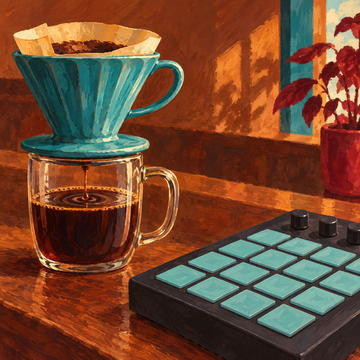
  • Coffee beat, a lo-fi sound in the Wake & Wind app: pour-over coffee beside a drum pad Lo-fi Coffee beat
  • Longshore waves, an ocean sound in the Wake & Wind app: waves curling onto a beach at dusk Ocean & river Longshore waves
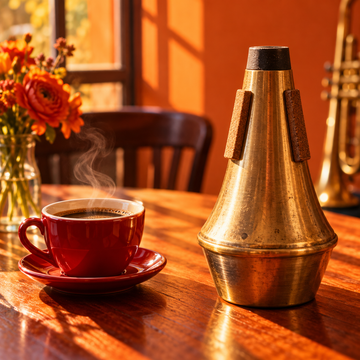
  • Sunday brunch, a café jazz sound in the Wake & Wind app: coffee and a trumpet mute in a sunny café Café jazz Sunday brunch

Your routines

Your own routines, each with its own music.

Use a ready-made evening or morning practice.Or make your own from 5 minutes to 2 hours, with a picture and the music you choose.

Wake & Wind app Evening screen: a 3-step wind-down, a note to close the day and the Magnesium PM 3-capsule reminder

Today’s tasks

One task at a time, straight from your notebook.

Pin a task from the notebook and give it 25 or 50 minutes.

Wake & Wind app Morning Focus screen with today's tasks, a 25-minute focus timer and the Lion's Mane AM 2-capsule reminder

Notebook

A page for every day.

Write tomorrow’s list in the evening, or plan any day ahead. Pinned tasks show on Today.

Wake & Wind app Notebook with a dated page of tasks for the day

Questions

The short version.

Can I buy the Wake & Wind app on its own?

No. It is not sold on its own. The Set comes with 90 days of the Wake & Wind app, as our gift.

Does the Wake & Wind app cost extra?

No. The Set comes with 90 days of the Wake & Wind app, as our gift.

Do I need to download it?

No. It opens in your browser, and you can add it to your home screen.

Where does my data stay?

On your phone. If you turn on Keep my data with my account, it is also kept, encrypted, with your Wake & Wind account so a second phone can use it, and Delete my data removes it.